
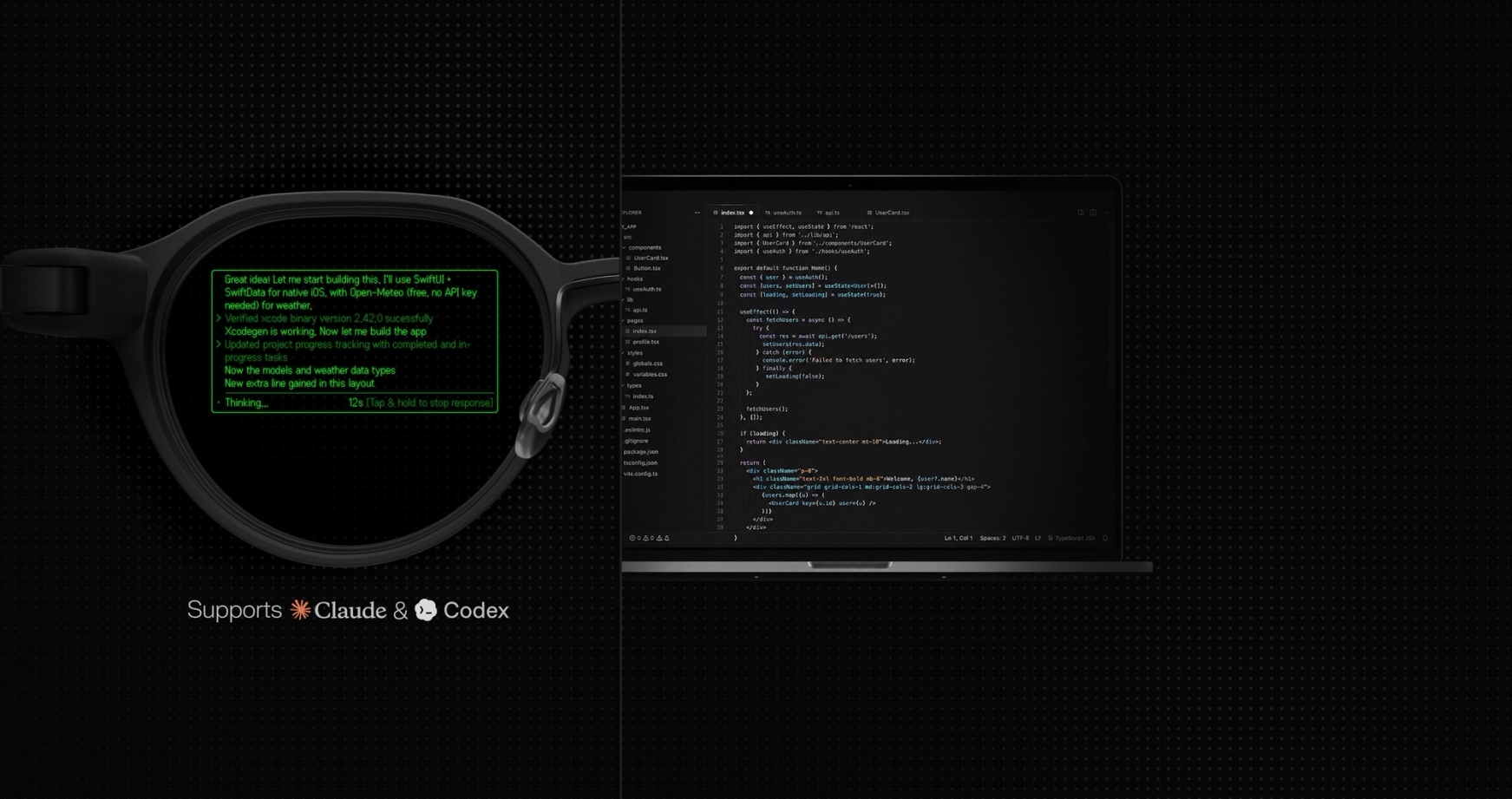

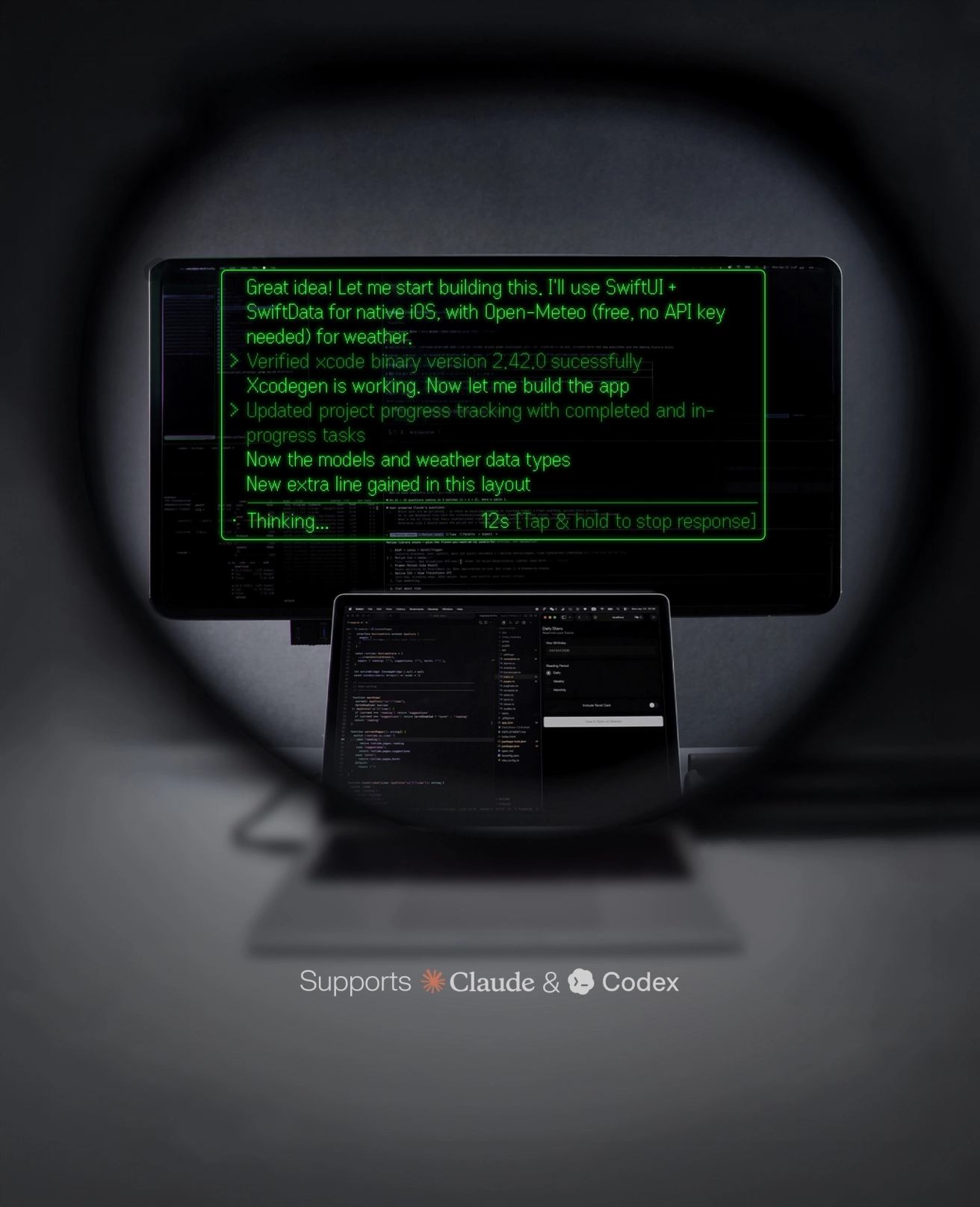
Always in touch with your coding agent.
Let agents work. Let humans live.
#CodeInTheWild Recap
If agents can keep working in the background, where can humans go? #CodeInTheWild invited developers to share the unexpected places where Terminal Mode kept them connected to their coding agents.
Ship at the speed of your agents.


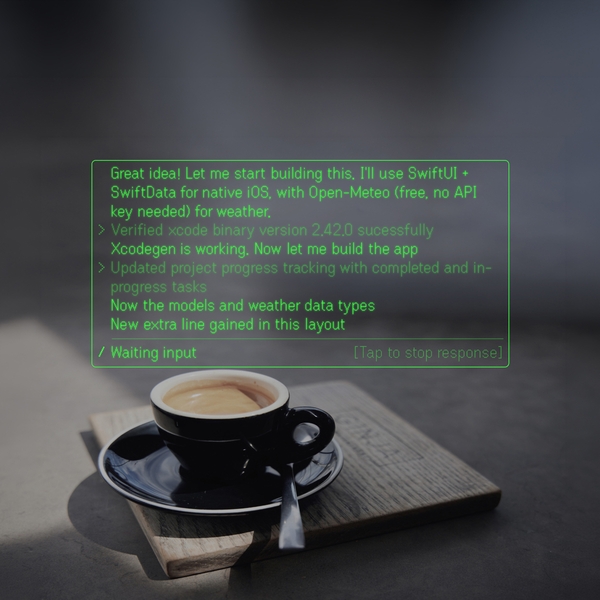
Keep shipping wherever you go.
Your agents keep running on your laptop. Their status appears on your glasses, so you can step away for coffee, a walk, or a workout and still know exactly what is happening.

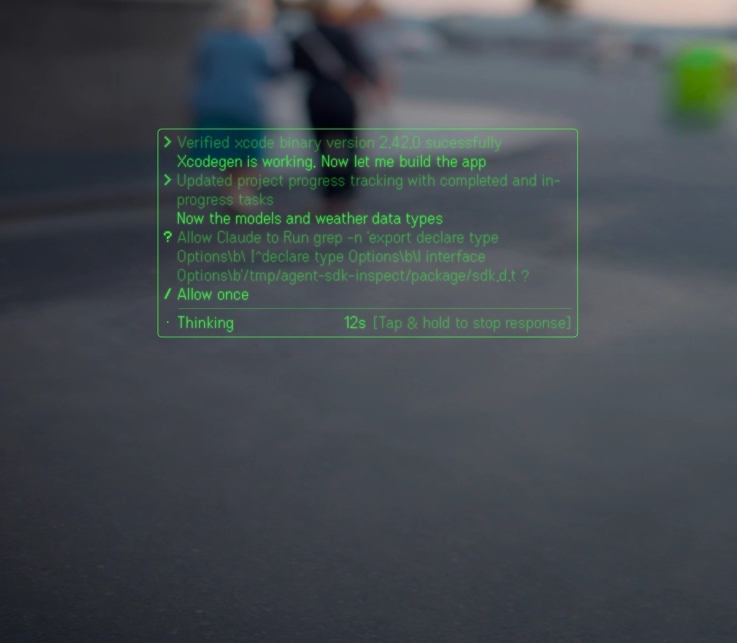

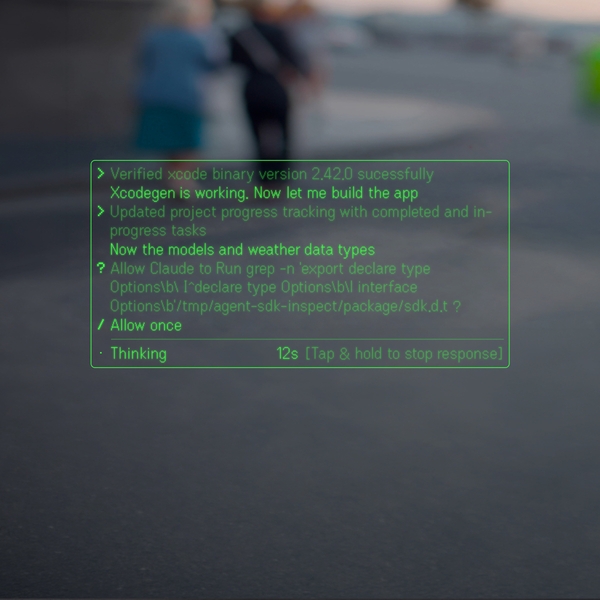
Run more sessions with less checking.
See what is running, blocked, or waiting for input across multiple sessions, right in your line of sight, with no jumping between screens.


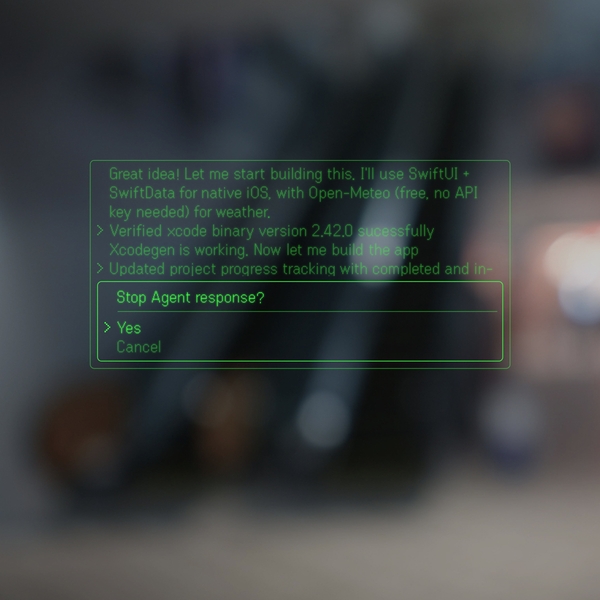
Approve and guide work faster.
Approve simple actions with a tap, or tap and hold to guide a live session when work needs you, without going back to your laptop.
Start Terminal mode on Even G2.
Three steps. No installer. One CLI command.
Install and start.
One npm install. Even-terminal runs process on host machine. Pick the agent provider with --provider. The server prints its key info - leave it running.
"Need to reach this host from outside your LAN? See advanced setup"
Pair through the app.
Open the Even Realities app on your phone, enable Terminal Mode in Settings, then scan the QR code printed by the CLI. The app pairs the host and starts streaming to Even G2.


View and respond on Even G2.
The session appears on your glasses while it runs. Approve simple actions with a ring tap; tap and hold to record a quick voice instruction when the agent needs more guidance.
Keep coding from anywhere.
From coffee runs to workouts, Terminal keeps live sessions in sight when work needs you.
In the hands of builders.








More than a Terminal.
Terminal mode is more than a window for code. It turns the terminal into a live interface for agentic work, so progress keeps moving and you step in only when your input matters.


Connect to Even Terminal
npm install -g @evenrealities/even-terminal@latest